Can You Delete a Temp Mail Address on Tempomails Manually?
When using Tempomails, you can manage your temporary inbox without keeping it active longer than necessary. If you want to remove a temporary email address and its messages, the Delete a Temp Mail Address option provides a simple way to clear the current inbox. This makes Temp Mail Management straightforward while also supporting automatic cleanup when the temporary session ends.
How Temporary Email Deletion Works
Tempomails provides a Delete option within the temporary email interface. When you no longer need the current inbox, you can use this option instead of continuing to receive messages at the same address.
The service also uses automatic cleanup for temporary email data. According to Tempomails, temporary inboxes remain active long enough for their intended short-term use, after which the content clears automatically.
This approach helps users:
- Remove an unwanted temporary inbox
- Avoid keeping unnecessary messages
- Manage temporary addresses more easily
- Reduce the need for ongoing inbox maintenance
Can You Delete It Manually?
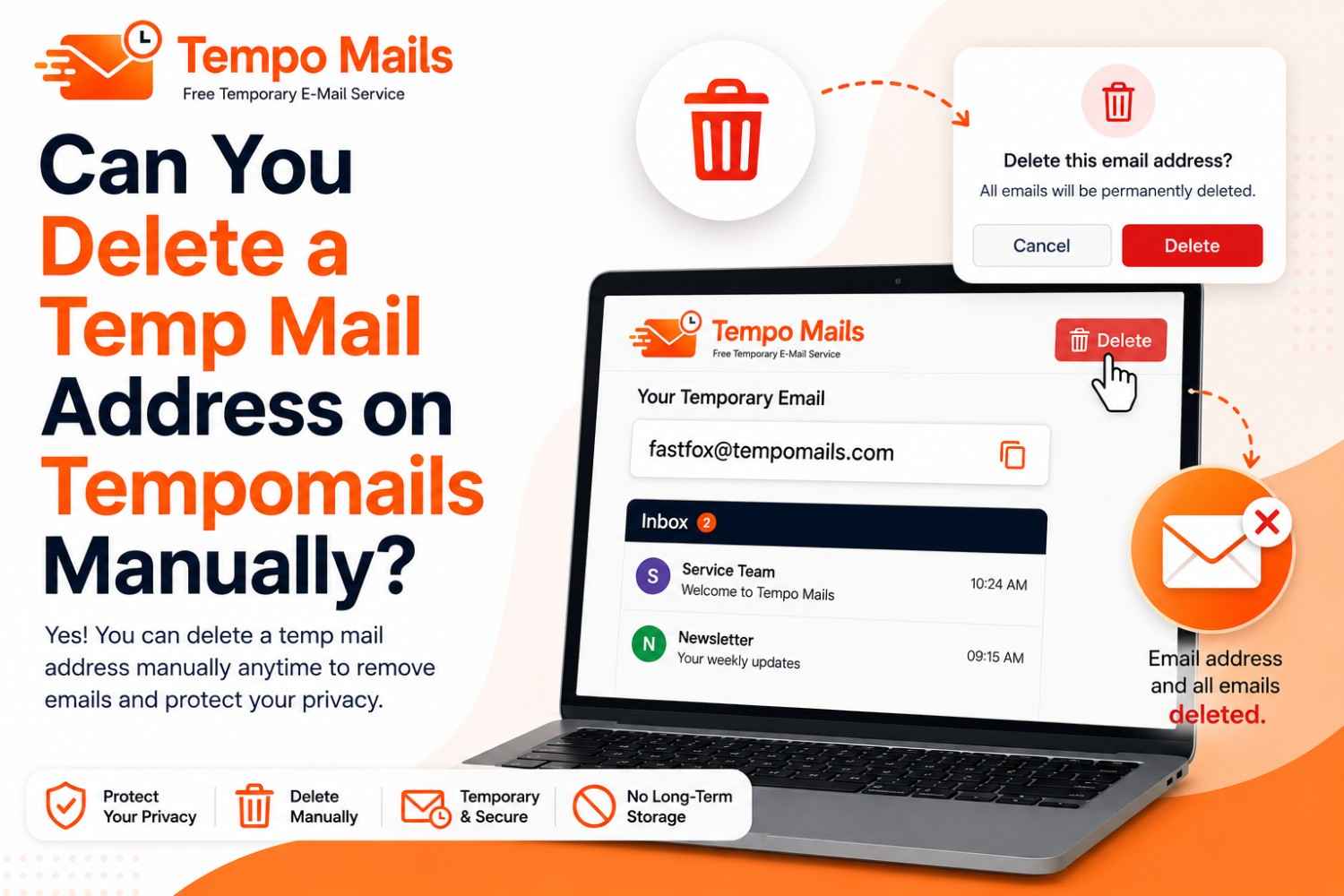
Yes. Tempomails includes a Delete option that allows users to clear the current temporary email inbox. You do not have to wait for automatic cleanup when you want to stop using the current address.
The process is simple: open your Tempomails inbox on the website or the Tempo Mails Android app, then select the Delete option. This gives users direct control over their temporary email session and makes Temporary Email Deletion easier to handle.
What Happens After Deletion?
Once you delete your existing temporary mailbox, you can create or use another temporary email address if required. It is intended for temporary email usage; hence, users can create temporary email addresses without creating an account or entering any personal information.
This is helpful in case a user has successfully verified or registered and therefore no longer requires the temporary inbox.
Why Delete a Temp Mail Address?
Manual deletion can be useful when you want to stop using an address immediately rather than leaving the inbox active. It can also help keep your temporary email activity organized when handling multiple short-term signups or verification messages.
For users who regularly use disposable addresses, having a clear Delete option makes Temp Mail Management more convenient.
Conclusion
Tempomails allows users to delete their current temporary inbox through the Delete option. Temporary inboxes are also designed to clear automatically after their useful session period. This combination gives users a simple way to control Temporary Email Deletion while keeping Temp Mail Management convenient.